EDuke32 2.0 and Polymer! "talk about the wonders of EDuke32 and the new renderer"
#4460 Posted 22 March 2014 - 07:36 AM
This post has been edited by Fox: 22 March 2014 - 07:38 AM
#4461 Posted 22 March 2014 - 09:24 AM
#4462 Posted 22 March 2014 - 11:39 AM
Fox, on 06 March 2014 - 11:09 AM, said:
Fox, on 08 March 2014 - 08:49 AM, said:
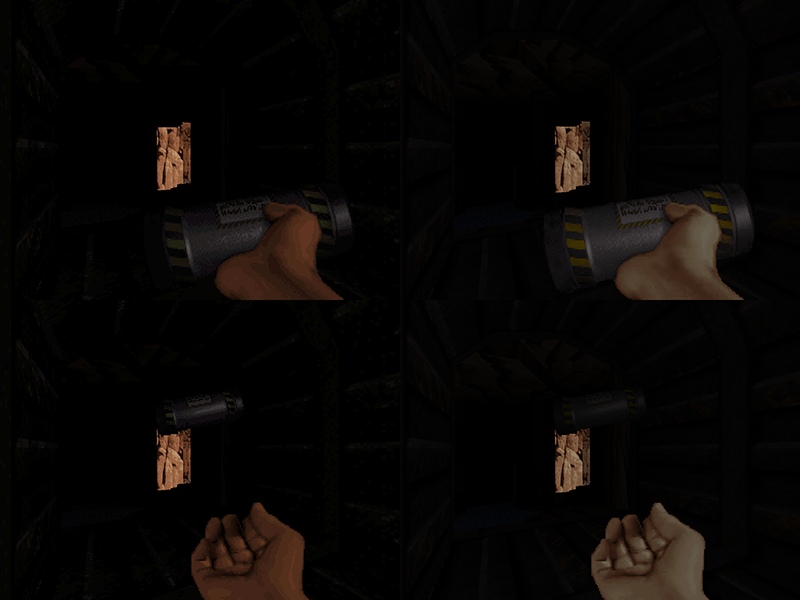
That seems merely like a perceptual glitch with the HRP pipebomb model to me. Note that it has two sides, a shiny one and a dark one. The HUD model shows it from the shiny side, but when it's thrown, it ends up with the dark side toward the player.
#4463 Posted 22 March 2014 - 12:33 PM

There is a noticeable difference beetween the shading of HUD sprites and game sprites if not using 8-bit tiles.
This post has been edited by Fox: 22 March 2014 - 12:35 PM
#4464 Posted 22 March 2014 - 01:12 PM
Fox, on 22 March 2014 - 12:33 PM, said:
It looks like the 8-bit tiles have higher contrast.
#4465 Posted 22 March 2014 - 02:57 PM
My point is that the shade of HUD sprites are brighter than game sprites. While the Pipebomb of the HUD and game have the same shade in 8-bit mode, that's not the case in polymodes.
This post has been edited by Fox: 22 March 2014 - 02:58 PM

#4466 Posted 22 March 2014 - 07:39 PM
#4467 Posted 23 March 2014 - 04:29 AM
Fox, on 22 March 2014 - 12:33 PM, said:
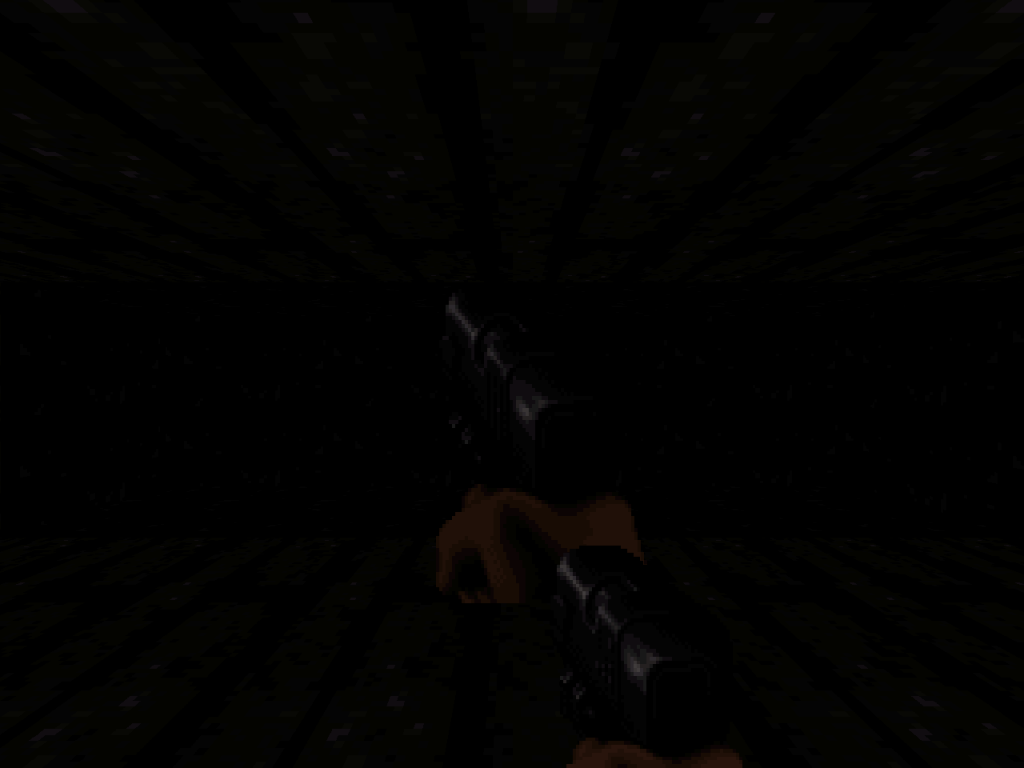
First, let's not conflate terminology here. You're using "8-bit tiles" in both cases. Sure, in the OpenGL modes, they're uploaded as RGB textures, but it's certainly inappropriate to start calling them "highres" just because of that. Second, it's important to specify the exact renderer settings you're running with. I had to experiment a bit and it looks like you're running either Polymost with r_usetileshades 0, or Polymer with r_pr_artmapping 0. And most likely, therein lies the problem.
In the classic renderer, shading it done via lookup into a table, as described in some detail in the Lunatic manual. Take a look at the second "ramp" of colors with indices 32-63, which is used for skin and note that the yellow (perceptually most significant) and blue components have a convex shape. Thus, at higher shades, they are darker than the linear blending with black. But linear blending is exactly what the "original" GL modes do.
#4468 Posted 23 March 2014 - 05:14 AM
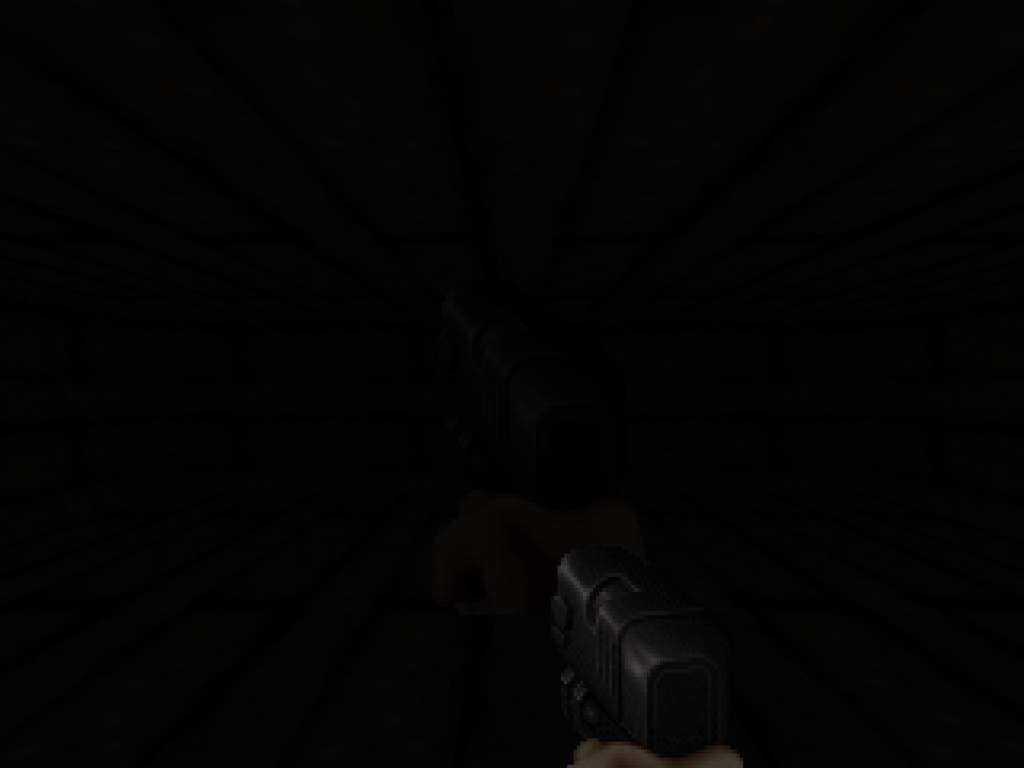
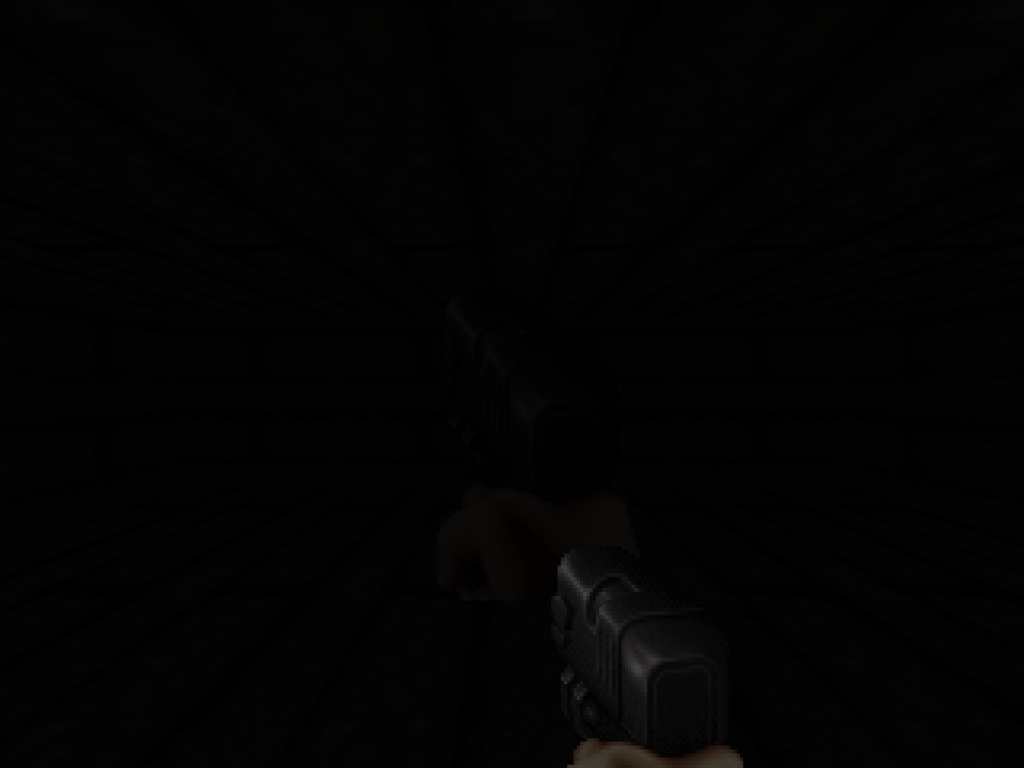
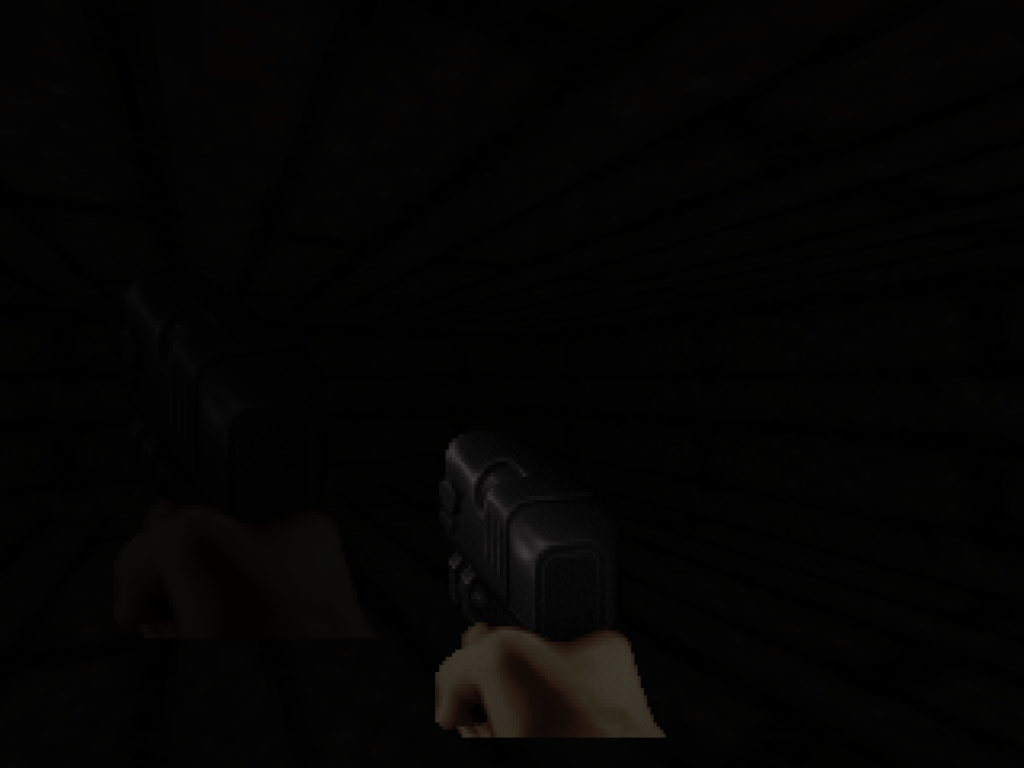
Classic mode:

Polymost (r_usetileshades 0)

Polymer (r_pr_artmapping 0)
Attached File(s)
-
hudshade.zip (242bytes)
Number of downloads: 477
#4471 Posted 23 March 2014 - 06:35 AM
However the difference is clearly more than 1 shade in OpenGL.
This post has been edited by Fox: 23 March 2014 - 06:38 AM
#4472 Posted 23 March 2014 - 06:46 AM
Fox, on 23 March 2014 - 06:35 AM, said:
The problem was that the HUD shade value temporally approaches the ceiling/floor value to provide a smooth transistion when changing sectors: each time, the difference is roughly halved. It was the last step that was flawed: if the difference was 1 or -1, a value of 1/2 == 0 was added (in C's integer arithmetic, division is defined to round toward 0 [*]).
[*] While right shifting rounds towards negative infinity. Another rounding detail to keep an eye out for!
Also, as an addendum: the HUD shade deliberately is clamped at 24. So, your example was in a sense the strictest one that displayed the issue.
Quote
As I said, without table lookup, the OpenGL modes are hopeless to faithfully reproduce the wealth of effects of the classic renderer. See it that way: table lookup is more general than linear blending. For example, you could create a shade table with a darkness "bump" in the middle, while near and far pixels would be bright. So, the issues described with r_usetileshades and r_pr_artmapping set to 0 won't be fixed because there's no sense in attempting.
#4473 Posted 23 March 2014 - 07:26 AM
gamevar TEMP 0 0 onevent EVENT_DISPLAYREST getsector[THISACTOR].floorshade TEMP rotatespritea 160 150 65536 0 FIRSTGUN TEMP 0 8 0 0 0 xdim ydim endevent
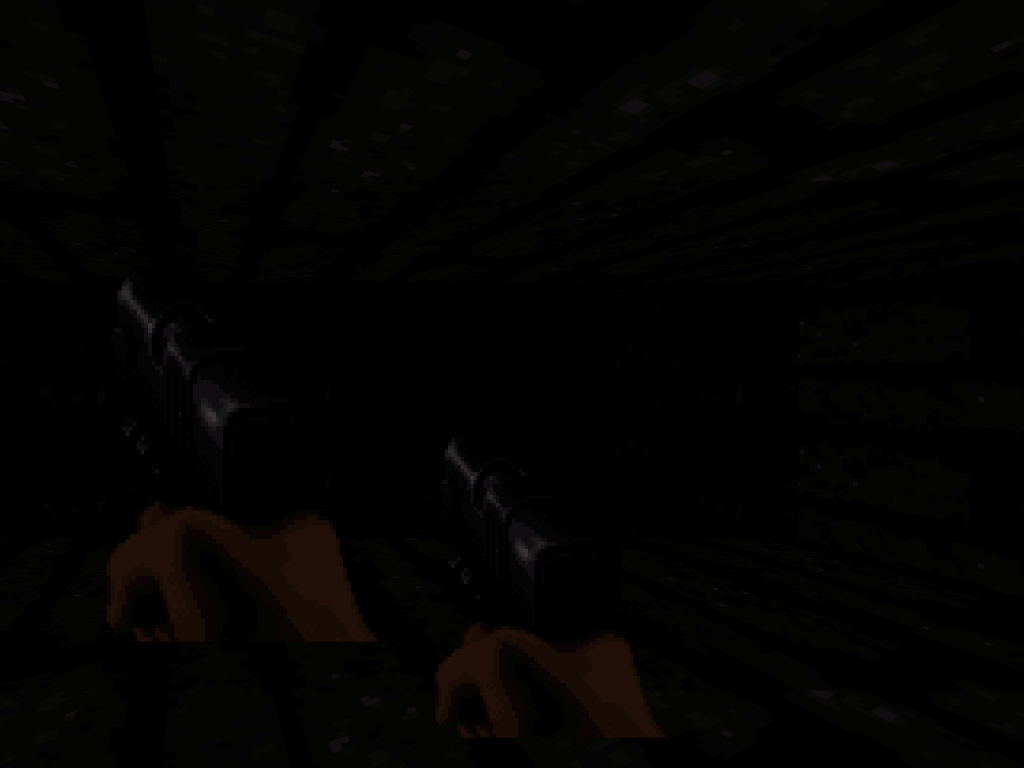
Now the shade of HUD sprites and game sprites are exactly the same in Classic mode.

But they are different in Polymost and Polymer (using r_usetileshades 0 and r_pr_artmapping 0).


And I think this is something that should be fixed. For instance, the game sprites are relatively accurate to Classic mode, but HUD sprites are much more brighter than expected.
I may be talking shit, but it shouldn't be so hard to fix it since you could just copy the algorithm used by game sprites to HUD sprites.
This post has been edited by Fox: 23 March 2014 - 07:26 AM
#4474 Posted 23 March 2014 - 07:36 AM
#4475 Posted 23 March 2014 - 07:55 AM
This post has been edited by Fox: 23 March 2014 - 07:56 AM
#4476 Posted 23 March 2014 - 09:00 AM
#4477 Posted 23 March 2014 - 09:13 AM
What I mean by that is, when you move a sector around, the textures don't 'move' with it so you'll end seeing the 'next' part of the texture (rather than the same) if you paste it near it.
That would make copy/pasting even more efficient.
I guess that's a texture behaviour as a whole though and the same could be said about simply MOVING sectors around (and not just copy/pasting); actually it's more due to the moving rather than the copy/pasting.
This is probably asking a lot though considering in the current version of mapster copy pasting doesn't even work at all
#4478 Posted 23 March 2014 - 09:15 AM
Fox, on 23 March 2014 - 07:26 AM, said:
gamevar TEMP 0 0 onevent EVENT_DISPLAYREST getsector[THISACTOR].floorshade TEMP rotatespritea 160 150 65536 0 FIRSTGUN TEMP 0 8 0 0 0 xdim ydim endevent
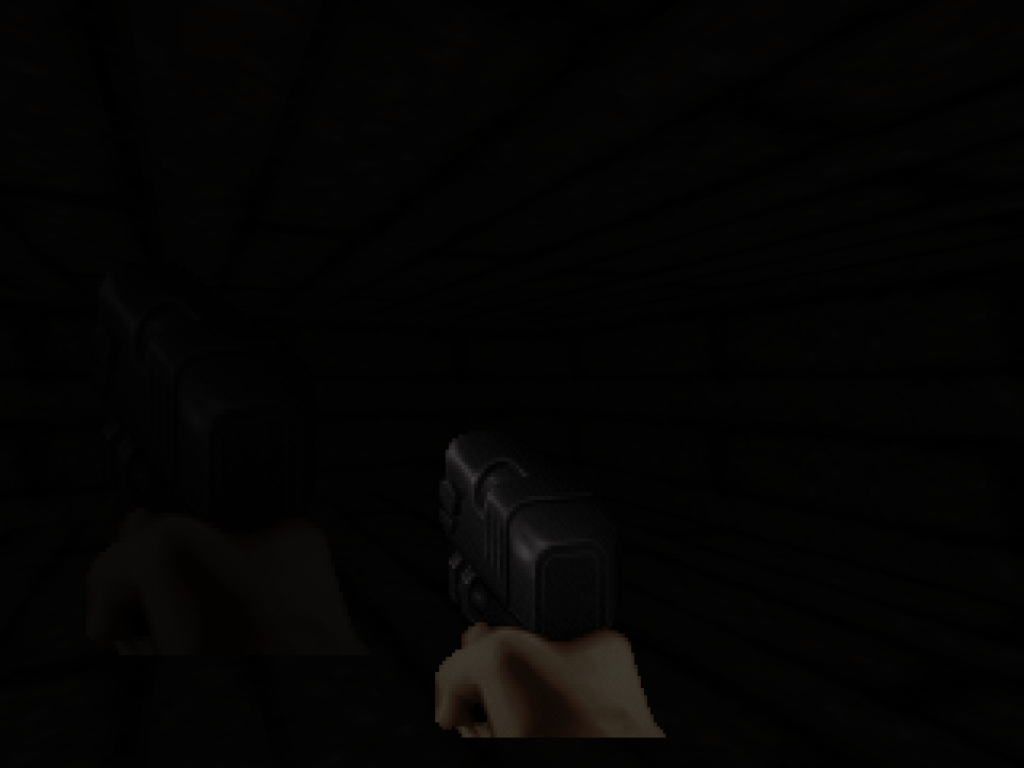
Now the shade of HUD sprites and game sprites are exactly the same in Classic mode.
(...)
I may be talking shit, but it shouldn't be so hard to fix it since you could just copy the algorithm used by game sprites to HUD sprites.
No, I think you have a really good point. I fixed a small off-by-one issue, but the differences here are enormous! And that's for pretty much all combinations of GL renderer settings. It's certainly something that warrants further investigation, and maybe at the end there's also a resolution of the two r_usetileshades modes to be had... Currently there are two, 1 (TX, default) and 2 (my tweaks), but both have their flaws.
#4479 Posted 23 March 2014 - 03:57 PM
#4480 Posted 23 March 2014 - 11:54 PM
#4481 Posted 24 March 2014 - 03:09 AM
#4482 Posted 24 March 2014 - 12:36 PM
Micky C, on 22 March 2014 - 07:39 PM, said:
I encountered this once, it's an overflow somewhere in the classic code. Should be fixable.
#4483 Posted 25 March 2014 - 01:10 PM
Stabs, on 23 March 2014 - 11:54 PM, said:
I did encounter this after changing r_pr_artmapping or the like: remember that you have to do restartvid afterwards. Did this happen to you while playing? If so, it's a bug.
The overall brighter appearance is a consequence of the fix, I'll write in more detail about the differences of r_usenewshading 2 and 3 later. Keep in mind that you can always change it back if it makes your map look not as intended.
#4484 Posted 25 March 2014 - 01:24 PM
James, on 24 March 2014 - 03:09 AM, said:
Of course. CON is just an interface to certain structures and a collection of commands. If something is not accessible through CON, why should that imply the non-functioning of a feature that doesn't by itself belong to CON?
Quote
You seem a little confused. It's not like you have to use Lua code to enable certain features, that would be pretty silly. Under the hood, CON and Lua are on equal footing -- after all, the former is translated to the latter. Moreover, you don't need to port the whole thing: CON and Lua can exist side-by-side. I think that I explained the broad picture in the introductory post, but maybe it was not so clear? (Or the post too long...?)
#4485 Posted 25 March 2014 - 01:33 PM
#4486 Posted 25 March 2014 - 05:53 PM
#4487 Posted 25 March 2014 - 06:27 PM
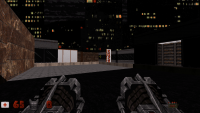
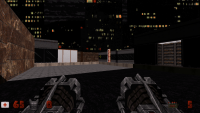
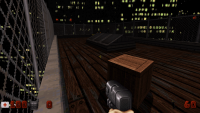
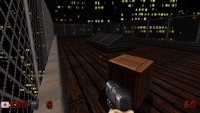
There are a few shots from polymost, first of each set is r_usenewshading 2, then 3. 3 is brighter.
This post has been edited by Drek: 25 March 2014 - 06:31 PM
#4489 Posted 26 March 2014 - 12:03 AM
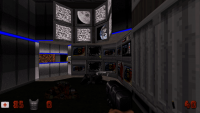
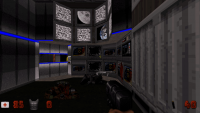
but here is 2 comparison shots of newshading 2 vs 3
shading 2
shading 3
This post has been edited by Stabs: 26 March 2014 - 12:04 AM

Help
Duke4.net
DNF #1
Duke 3D #1