 Cody, on 26 November 2012 - 06:48 PM, said:
I believe I have told him to do this before in one of his other threads, I guess he did not take the advice.
Most other "recent" mods all use the same structure format so start looking and open a ".bat" file with notepad!
Cody,that was very astute of you to point that out but what you failed to mention is that discussion in the earlier
thread you mentioned related specifically to HRP and had nothing to do with adding mods into eduke32 itself!
And don't say,"it's the same exact process!" because it isn't!
The above code I had shown is Hrp code and obviously will not work! I wouldn't have shown this code if I had known
the process of adding mods strickly into eduke32 was going to be this different....but it is!
MickyC
Lately,I've been studying WGRealms 2 (what an excellent game bty!) and when I opened the WGR2.bat file unfortunately this is not what I expected or wanted to see because this just makes things for me that much more difficult,
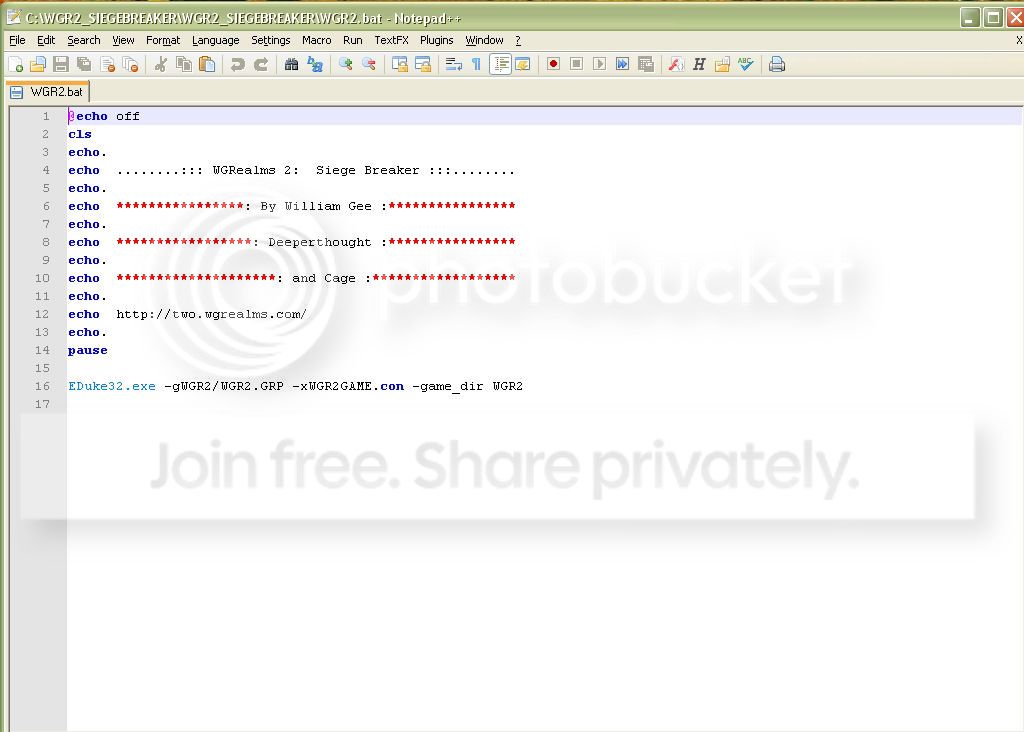
Now let's break this down for a minute,
Firstly,upon glancing at this,it appears this code has something to do with the opening credits.
At a closer glance,neither,"echo" "cls" nor the command,"pause" is contained within the
Command Line Options page you previously mentioned.
The only thing that looks familiar is on line 16
It mentions to use the, "Eduke32.exe" along with the,"-gWGR2/WGR2.GRP" and not to forget the
"-xWGR2GAME.con" and finally the "-game_dir WGR2"
What is actually mentioned that you referred to within the Command Line Options is shown next,
Command Description
-g[file.grp] Use an extra group file
-x[game.con] Load custom CON script
Here is what the last portion of the WGR2.GRP looks like,
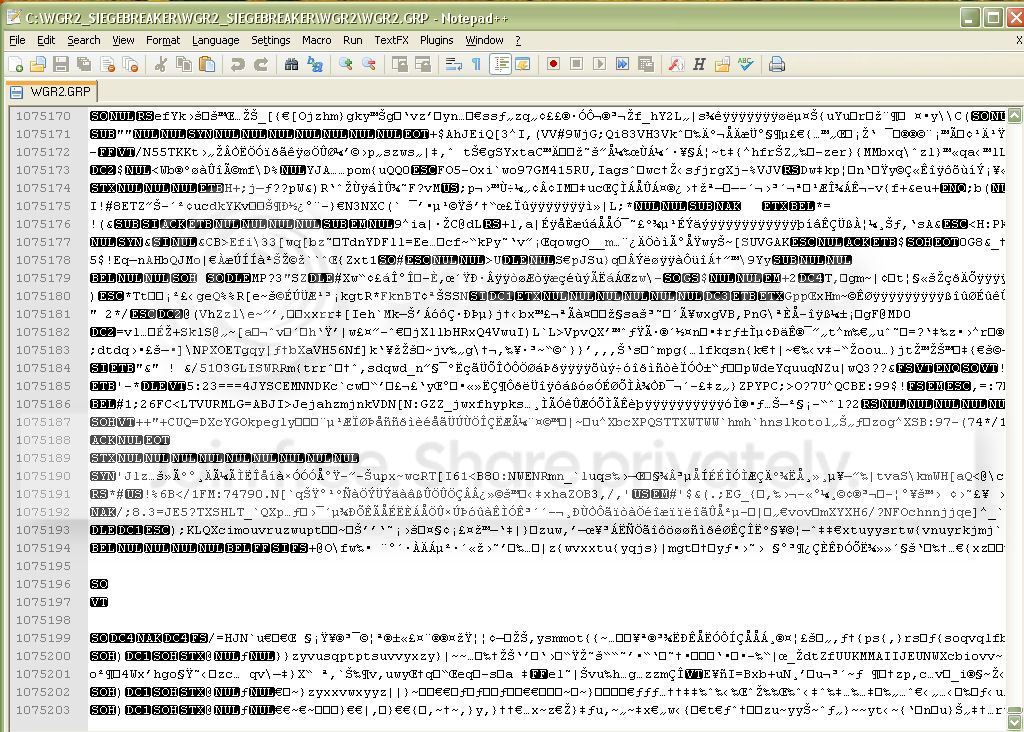
Notice it has 1,075,203 lines of code.
Now here is a pic of the Duke3D.GRP
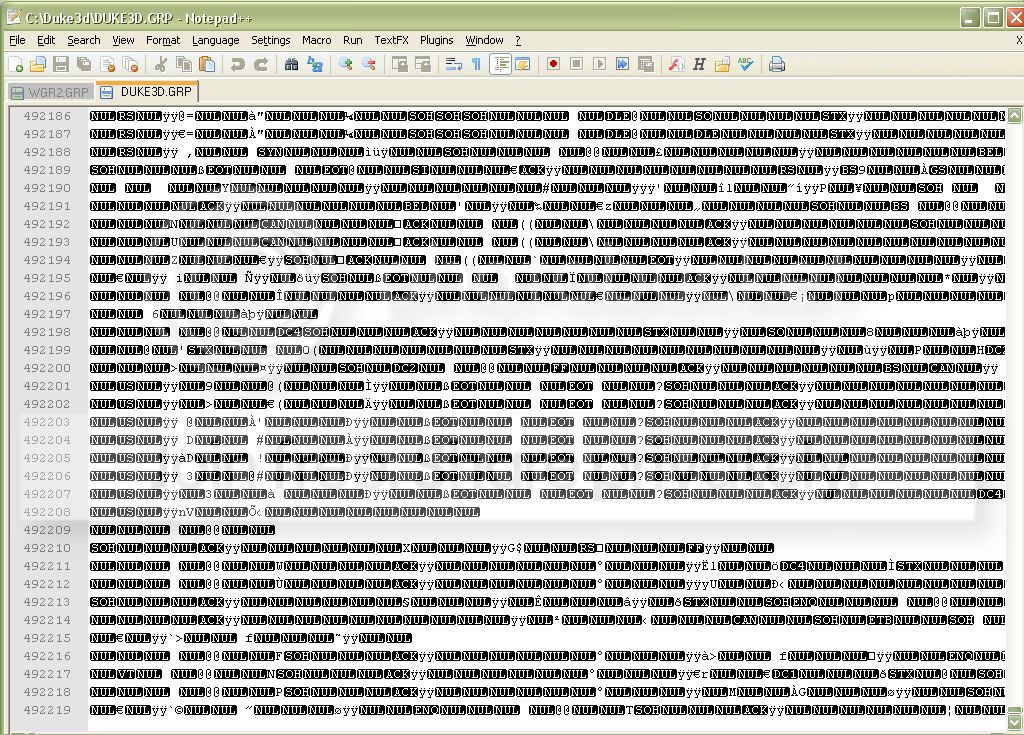
Notice this file is much smaller,it only has 492219 lines of code.
So obviously the makers of WGR2 added their own custom code.
And as a newb this only makes things this much more difficult
in comprehending in relation to what I'm simply trying to achieve.
I happen to be looking at this code with Notepad++
and I have no idea what language this is.Is it C or C++?
who knows?
But with Notepad++ if you are familiar with it,there are different "Language" options you can choose
from to view the particular code you are interested in.I've looked at it in every language available and
nothing looks any different.What I mean by different is,if you happen to look at the .exe file for Doom
you will notice that you can more easily read certain text contained within the code itself for example,
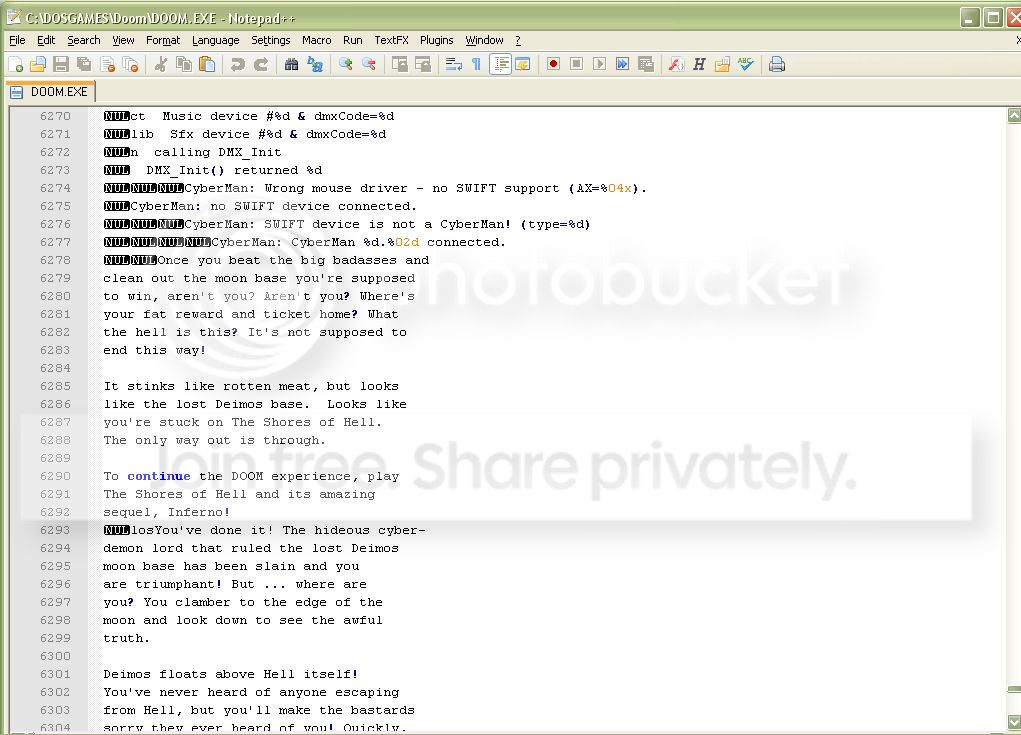
I would love to know what program the makers of WGRealms 2 used to create this custom code?
For that matter I'd love to learn how to code but that's another subject altogether and I'd like to apologize for
my exclamation and getting off topic but I thought this trivia was worth mentioning as well.
In relation to all of this my problem is much more simpler but unfortunately without any tutorials
easily available to go about I'm simply forced into experimenting with the only resource available,
that being the Command Line Options List.
And if there isn't any valuable input from anyone else,this could be a while.

 Help
Help
 Duke4.net
 DNF #1
 Duke 3D #1








